

Retry a failed intent scan
You can rerun any failed scan from the Intent data page. The retry does not use another scan. After you retry, you see: "Retrying. It does not use another scan."
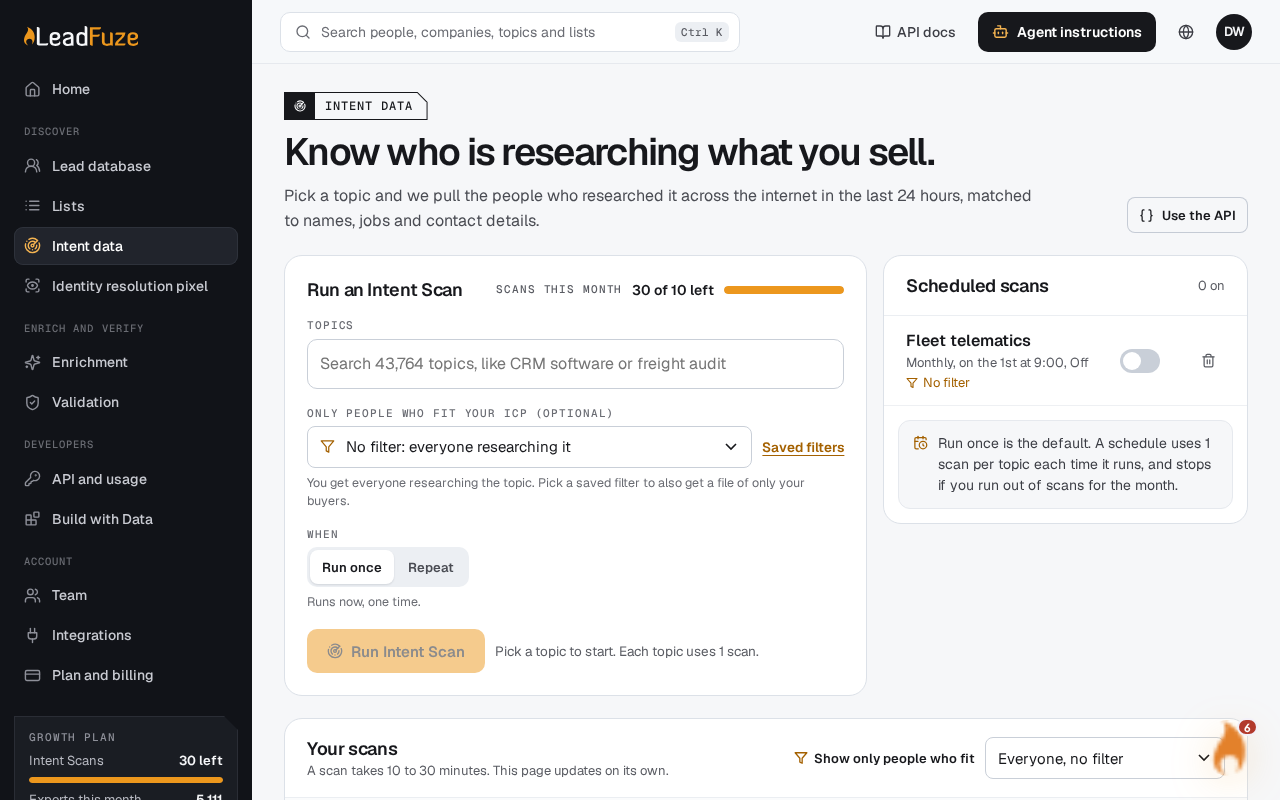
#Find the failed scan
Open the Intent data page and find the scan with the
failedstatus in your history. Failed scans stay in the history for 7 days.#Retry it
Use the retry option on that scan. LeadFuze starts a new scan for the same topic.
#Watch it run
The new scan starts as queued and moves through the usual statuses. See Why is my intent scan queued or still processing.
#What the retry keeps
The retry keeps the saved filter and the repeat schedule from the failed scan.
#When a retry is refused
| Message | What it means |
|---|---|
| Only a failed scan can be retried. | The scan is not in the failed status. |
| This scan was already retried. | Each failed scan can be retried once. Look for the newer scan in your history. |
| This topic is already running. | You already have an active scan for this topic. Wait for it to finish. |
| This scan was not found. | The scan isn't in your account. |
Note
A retry that doesn't charge a scan is also not refunded, because nothing was charged.
Was this article helpful?
Still stuck?