

Build a lead list
Run a search in the lead database, choose the contacts you want, and build them into a list. The list is built in the background. You can then download it as CSV or Excel.
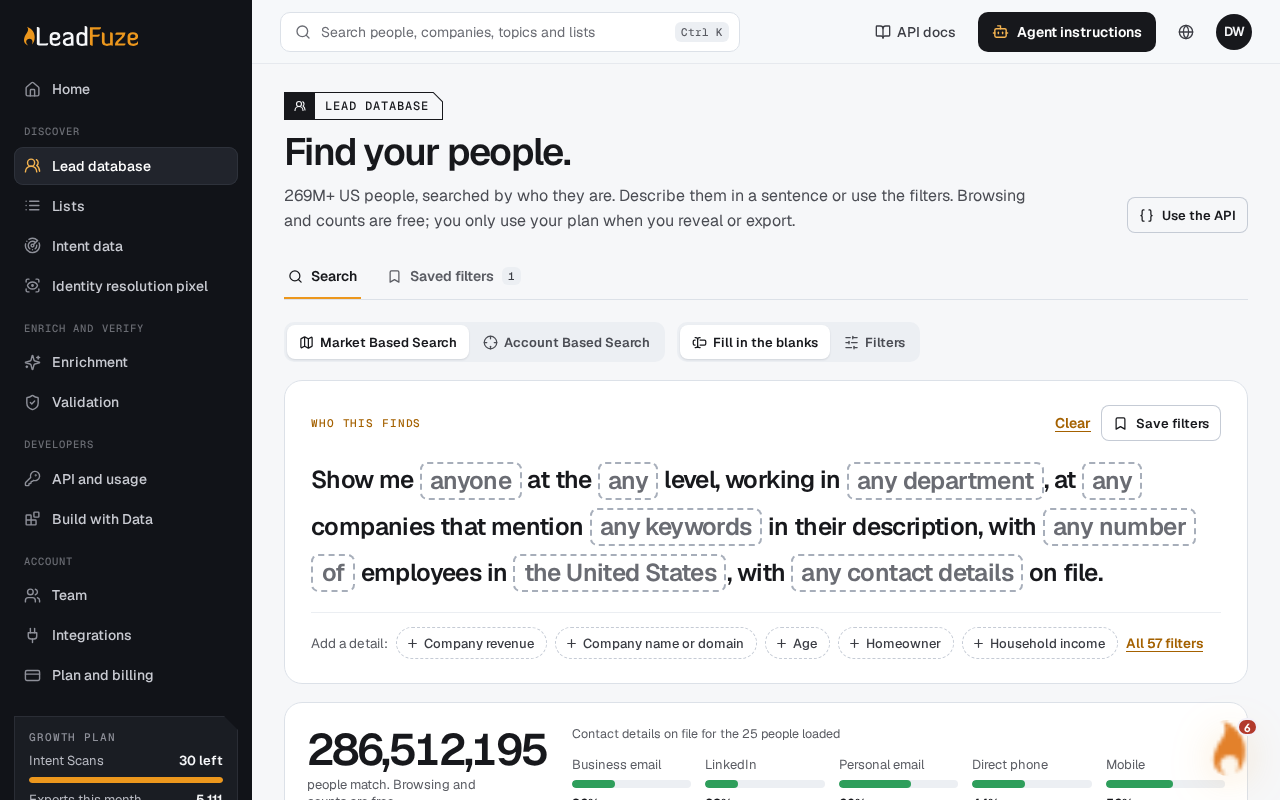
#Run your search
Open the lead database and search. If you see "Run the search again, then build the list.", your search is no longer available. Run it again first.
#Choose the contacts
Pick individual results (up to 1,000), or choose all matches. With all matches, you can deselect contacts you do not want.
#Name the list
Give the list a name of up to 80 characters.
#Set max results
Enter a number from 1 to 100,000. The list stops when it reaches this number.
#Pick options (optional)
Turn the list into an automatic list by choosing a schedule. Or send the list to a BrandWell Outreach campaign.
#Build the list
Select Build list. The list opens and starts as queued.
#What it costs
Each new contact uses one enrichment credit. Free credits are used first. Contacts you accessed through the Leads database in the last 30 days are free. If you run out of credits, the list stops early with the contacts it has so far. See Why does my list have fewer contacts than the match count.
#Automatic lists
Choose a schedule of daily or weekly. Your search is saved with that schedule. One list is built right away, and each later run builds another.
- Daily runs at 9:00.
- Weekly runs on Monday at 9:00.
Each run leaves out contacts that earlier runs already delivered.
#Send to BrandWell Outreach
To add a list to a BrandWell Outreach campaign, connect BrandWell Outreach in Integrations first. If you do not, you will see "Connect BrandWell Outreach in Integrations first."
#Download
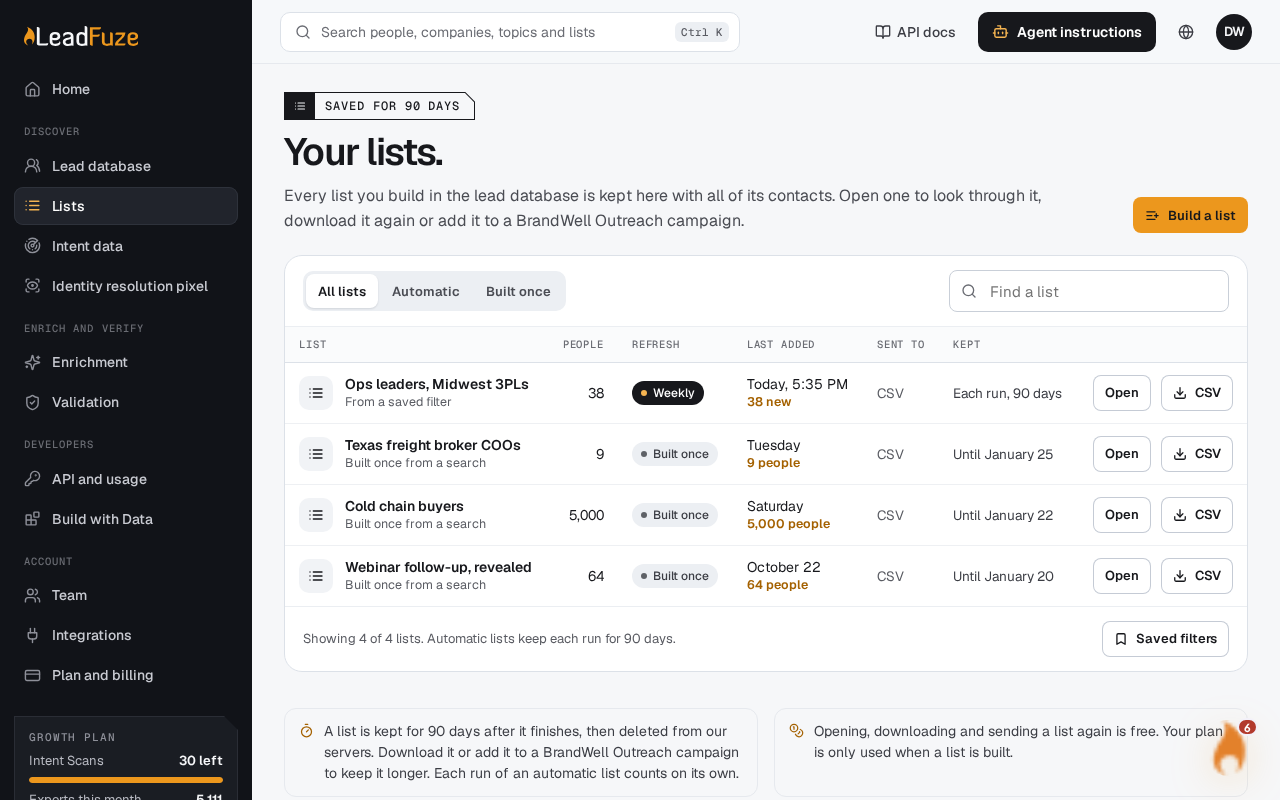
When the list is ready, download it from your lists as CSV or Excel.
Note
Lists are kept for 90 days.
To follow your list while it builds, see Check the status of your list.
Was this article helpful?
Still stuck?