

Read and filter scan matches
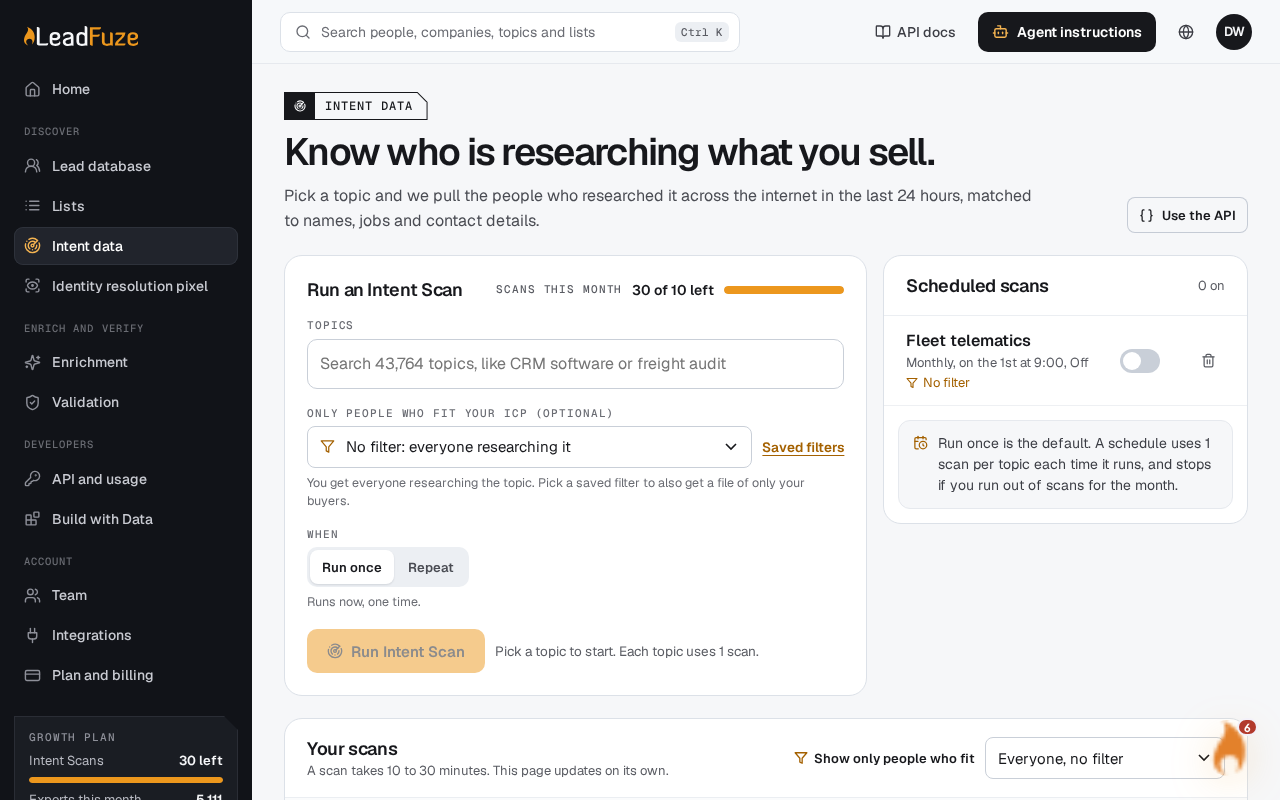
Finished scans appear in the Your scans table on the Intent data page. Apply a saved filter to see how many people fit your buyers and to download a file of only those people. Filtering uses no Intent Scans.
#Read the table
Your scans has these columns: Topic, Saved filter, Run by, Started, Status, People, and Deleted in.
- People shows how many people the scan found. With a saved filter, it shows how many of them fit.
- Deleted in shows how long the results are kept. Results stay for 7 days after the scan finishes.
Counts take a short time to appear after a scan is Done, because the files are read once it finishes.
#Filter every finished scan
#Save a filter first
Create a saved filter in the lead database. If you have none, the page shows Save a filter in the lead database to narrow scans to your buyers.
#Choose it in Show only people who fit
Above the table, open Show only people who fit and pick a saved filter. The page says "Filtering [number] scans to [filter]. The counts update here in a minute."
#Check the counts
A line under the heading says every finished scan is filtered to your filter. People shows how many fit. The download includes a file of only those people.
This applies to every finished scan whose results are still kept. New scans you run from this page use the same filter by default.
#Filter one scan
Change a single scan in its Saved filter column. If your scans use different filters, the menu above the table shows Different filters per scan.
#Remove a filter
Choose Everyone, no filter. The page says "Showing everyone in [this scan or number of scans] again."
#Download matches
When a scan has a saved filter, the download includes a CSV of only the matching people. It is named after the topic and filter. The full scan files are there too. A scan can have more than one file. If there is only one, it opens right away. Otherwise you choose from a list.
#If something looks off
| Message | What it means |
|---|---|
| "Not in the scan file, so not checked: [fields]" | Your filter uses fields the scan file does not contain, so those were not checked. |
| "The files could not be read. Download them below." | The counts could not be worked out. Download the files and read them yourself. |
| "These matches are no longer kept. Scan results stay for 7 days." | The scan is past the 7-day limit. |
| "No finished scans yet. New scans you run here use [filter]." | You have no finished scans to filter yet. |
Warning
Scan files and matches are deleted after 7 days. Download anything you need before then.
Was this article helpful?
Still stuck?