

Install the IDRP pixel on any website
Copy your project's pixel code and paste it just before the closing </head> tag on every page of your site. Then save and publish.
#Before you start
Do these in order, or you can't activate the pixel:
- Set up billing. Click your name in the top right to open your Profile, then go to Billing and add a payment method. Without billing, you can't activate a project.
- Create a project. Go to Identify in the main menu and click Create Project. Enter your website name and URL.
- Open your pixel code. Click Pixel Code on your project.
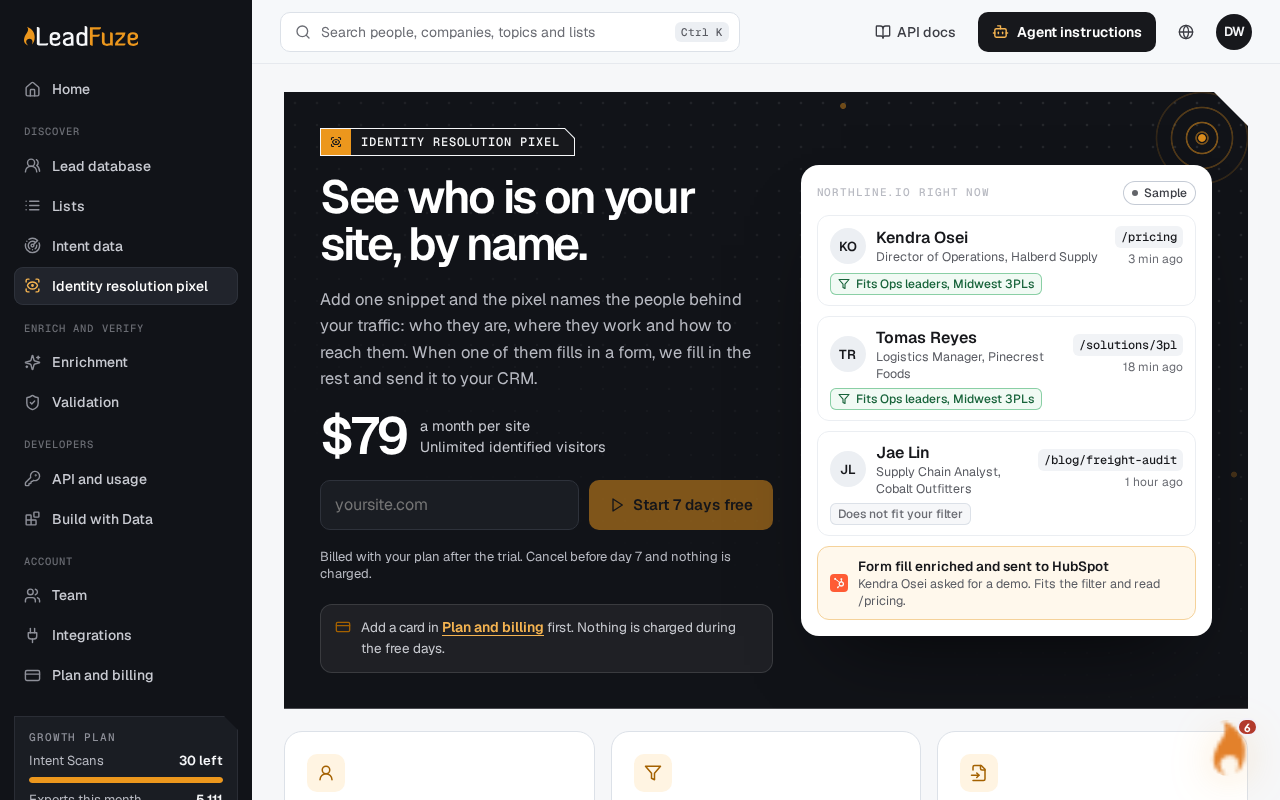
Each website needs its own project. Billing is per project, so you have one subscription per website. Each project includes a 7-day free trial. The standard price is $79/mo per website.
#Install the pixel
#Copy your pixel code
Click the copy button above the code to copy your unique tracking pixel code.
#Open your website's HTML
Open your website's HTML files or your CMS template editor.
#Find the head section
Locate the closing
</head>tag in your HTML.#Paste the pixel code
Paste your tracking pixel code just before the closing
</head>tag.#Save and publish
Save your changes and publish your website. The pixel only starts working once the site is published.
Tip
Put the code in the <head> section so it loads on every page.
Using a website platform? There are separate guides for WordPress and Shopify.
Was this article helpful?
Still stuck?