

Check that the IDRP pixel is installed
Run the pixel check from your site's page in the identity resolution pixel. LeadFuze opens your site, looks for your pixel, and tells you whether it found it. It takes a few seconds.
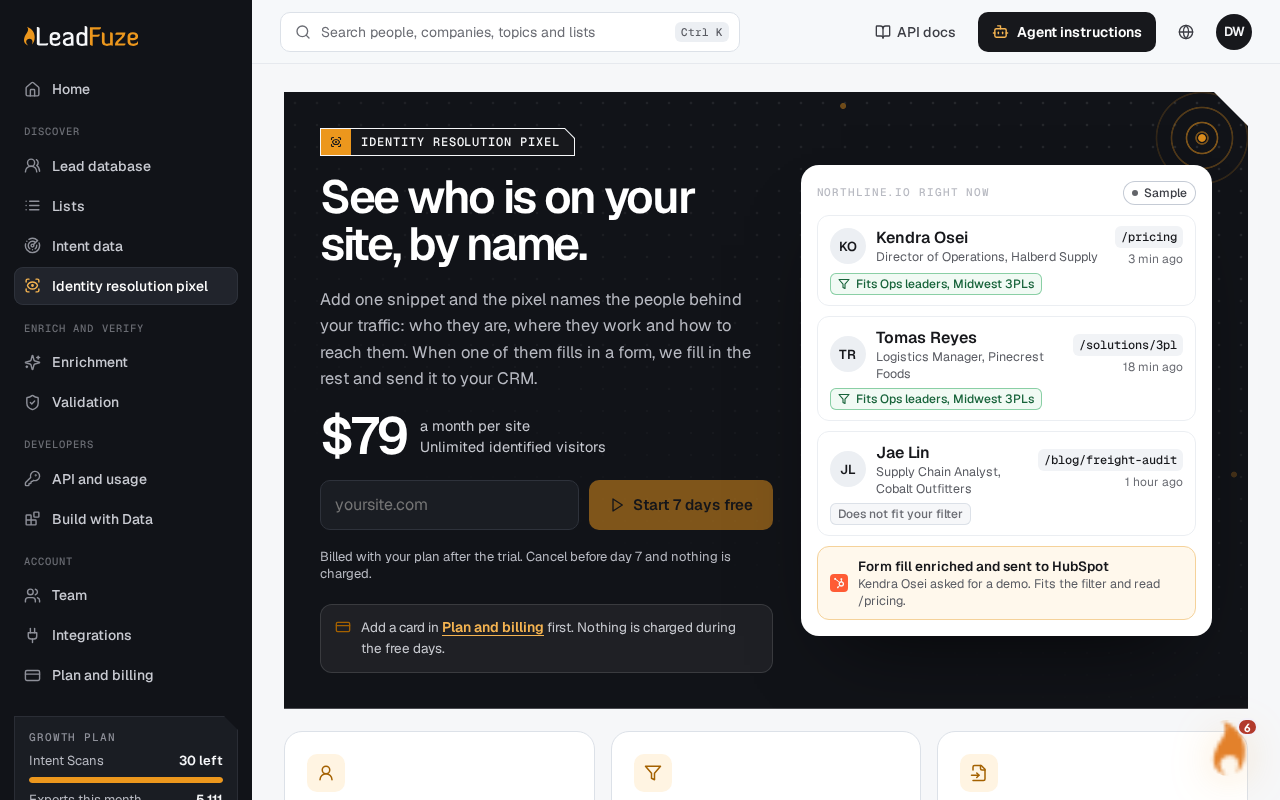
#Run the check
#Open the identity resolution pixel
Go to the identity resolution pixel page in the app. If you have more than one site, pick the right one from the site list.
#Open the Install tab
The pixel install and check are in this part of the page.
#Run the check
LeadFuze fetches your site's address and reads the page. It waits up to 10 seconds for your site to answer.
#What the check looks for
The check reads the home page of the site you added. It searches that page for your project ID, or for your pixel's load call with that ID. If either is there, the pixel counts as found.
Because only the home page is checked, the pixel needs to be in the head of that page. Adding it to every page is the safest setup.
Each check saves the result and the time you ran it. The page then shows where the pixel was found and when it was last checked.
#What the results mean
| Message | What to do |
|---|---|
| The pixel is live on your site. Identified visitors show up under Visitors within a few minutes. | Nothing. You're set. |
| The pixel is not on the home page of your site yet. Add it to the head of every page, publish, then check again. | Add the pixel to the head of every page, publish your site, then run the check again. |
| We could not open your site (it answered a status code). | Your site returned an error. Open it in a browser and fix the error, then check again. |
| We could not reach your site. Check the address in Sites and billing. | Check the site address on the Sites and billing tab, then check again. |
Tip
If the check can't find the pixel right after you added it, make sure you published your site. The check reads the live page, not your draft.
Not the one installing the pixel? You can email the install steps to your developer instead.
Was this article helpful?
Still stuck?