

Cancel or resume an IDRP website subscription
Each website has its own IDRP subscription, so you can cancel one site without touching the others. You can resume a site only while its cancellation is still scheduled and has not taken effect.
#Cancel a website
Cancelling works on a site that is paid or still on its free trial. It can take effect in one of two ways:
| Cancellation | What happens |
|---|---|
| Immediately | The subscription ends. The site is marked inactive and unpaid. |
| At the end of the billing period | The site stays active and paid until the current period ends. It then becomes inactive. |
Only the site you cancel is affected. Other sites on your account keep their own subscriptions.
#Resume a website
Resuming switches off a scheduled cancellation. The site stays active and paid, and billing continues as normal.
Resuming works only when both of these are true:
- The cancellation is set for the end of the billing period, and that period has not ended.
- The subscription is still active or on its free trial.
Warning
A subscription that was cancelled immediately has already ended. You cannot resume it.
#Check a site's status
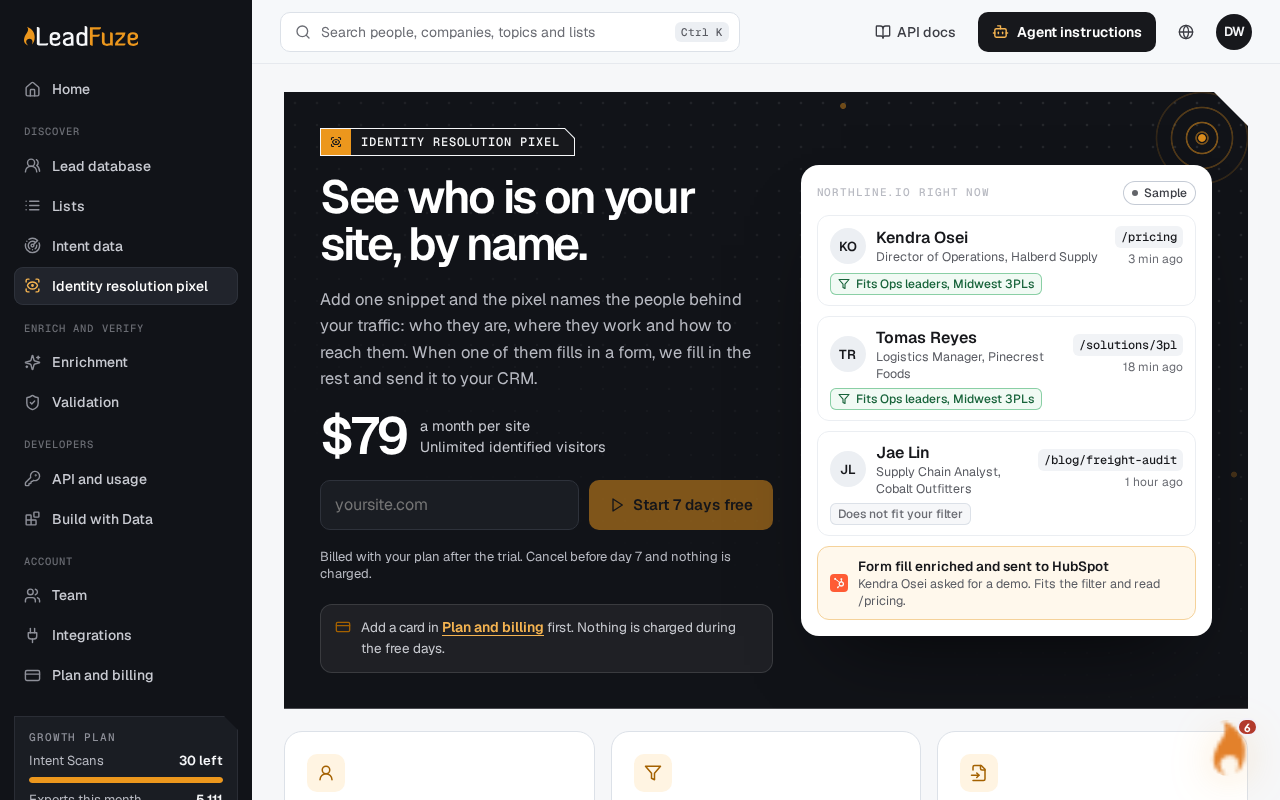
Open the identity resolution pixel page and select the site. Billing for your account is on the Billing page.
Was this article helpful?
Still stuck?