

Reset a forgotten password
Select Forgot password? on the sign-in page. LeadFuze emails you a link, and the link opens a page where you choose a new password.
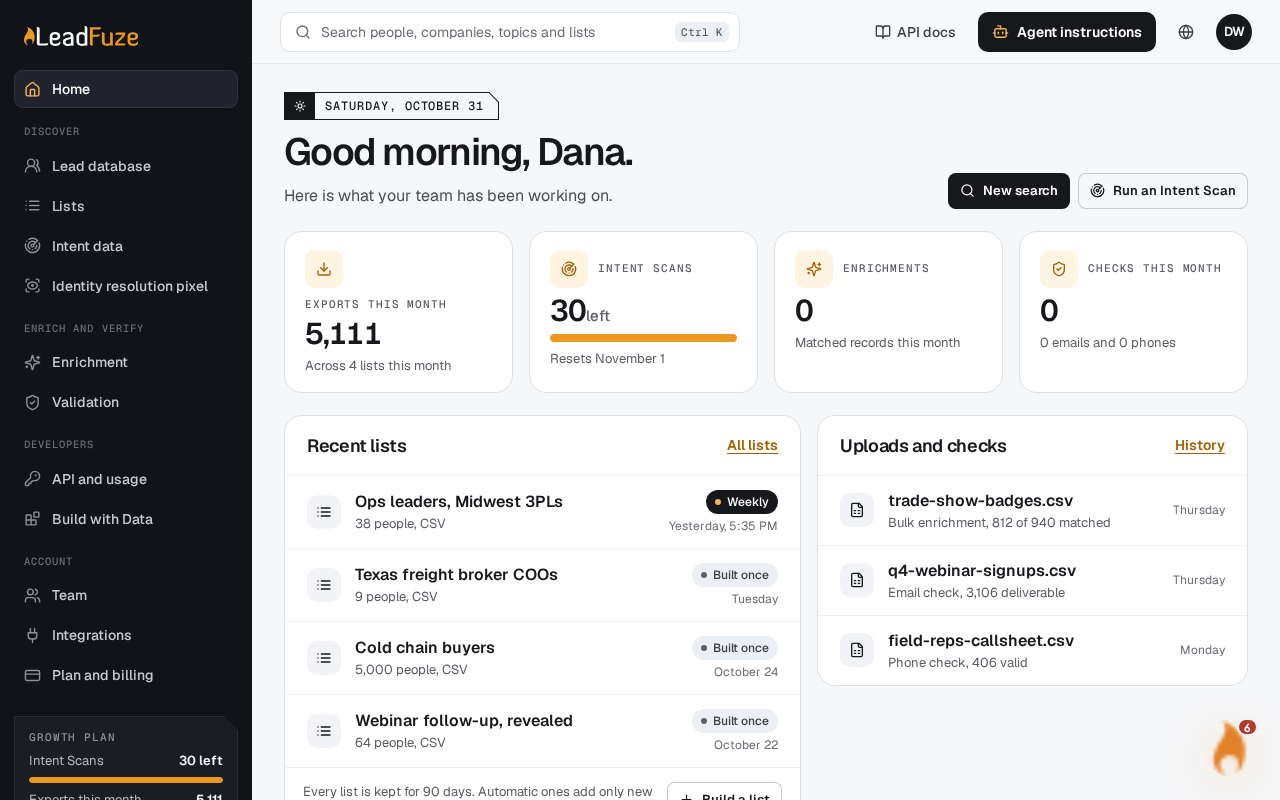
#Open the forgot password page
Go to the sign-in page. Select Forgot password?. It sits next to the Password field.
#Ask for a reset link
Enter the email address you sign in with and submit the form. LeadFuze sends a reset link to that address.
#Open the link in your email
Open the email and select the link. It takes you to a page where you can set a new password.
#Choose a new password
Enter your new password and submit the form. Then go back to the sign-in page and sign in with it.
#Sign in without a password
You don't have to reset your password to get in. On the sign-in page, select Email me a sign-in code instead. LeadFuze emails you a code to sign in with.
Note
You can only use the forgot password and reset pages when you are signed out.
Was this article helpful?
Still stuck?