

Create a LeadFuze account
You create a LeadFuze account in two steps: your personal details first, then your company details. When you finish, LeadFuze signs you in and asks you to verify your email address.
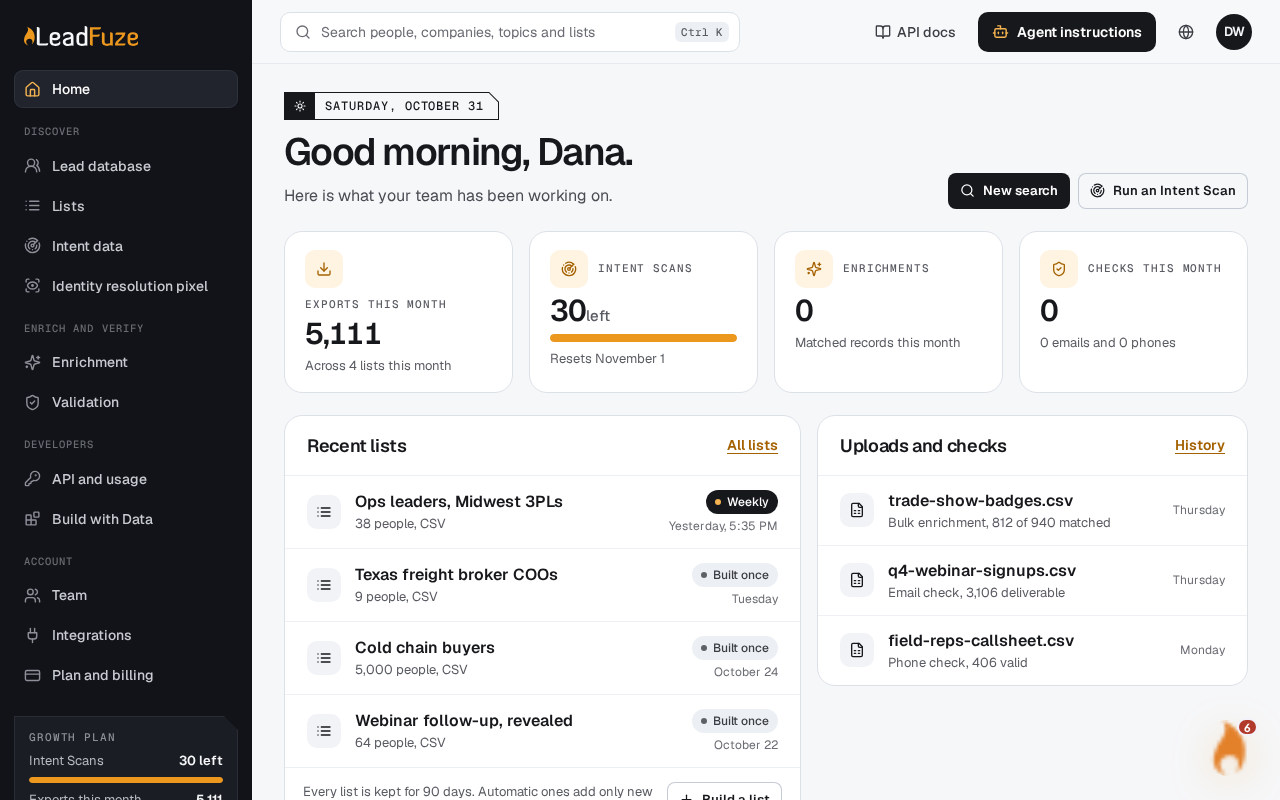
#Enter your account details
Open the registration page and fill in these fields:
- First Name
- Last Name
- Work Email: use your work email address, for example [email protected].
- Password
- Confirm Password
Select Register. If you already have an account, select Already registered? to go to the sign-in page instead.
#Tell us about your company
The next page is titled "Tell us about your company - Step 2 of 2". All four fields are required:
- Company Name
- Company Website: enter a full URL, for example https://yourcompany.com.
- Company Size: choose 1-10, 11-50, 51-200, 201-500 or 500+ employees.
- Describe Your Use Case: tell us how you plan to use LeadFuze. It needs at least 20 characters and no more than 2000. A counter under the box shows your progress.
Select Complete Registration. To change your step 1 details, select Back.
#Verify your email
LeadFuze signs you in and shows a page asking you to check your email. Open the link in the message to activate your account. See Verify your email address for what to do if it does not arrive.
#Things to know
- Each email address can only be used for one account. If the address is already registered, the form shows an error.
- Use a work email. Disposable email addresses are not accepted.
- Your company name becomes the name of your LeadFuze account.
What happens if my company already has a LeadFuze account?
If an existing account allows your work email domain to join, you join that account as a Member instead of starting a new one. This only happens while the account has a free seat. Free email domains never join an existing account. If no seat is free, you get your own new account.
Was this article helpful?
Still stuck?