

Why are contact details masked in search results
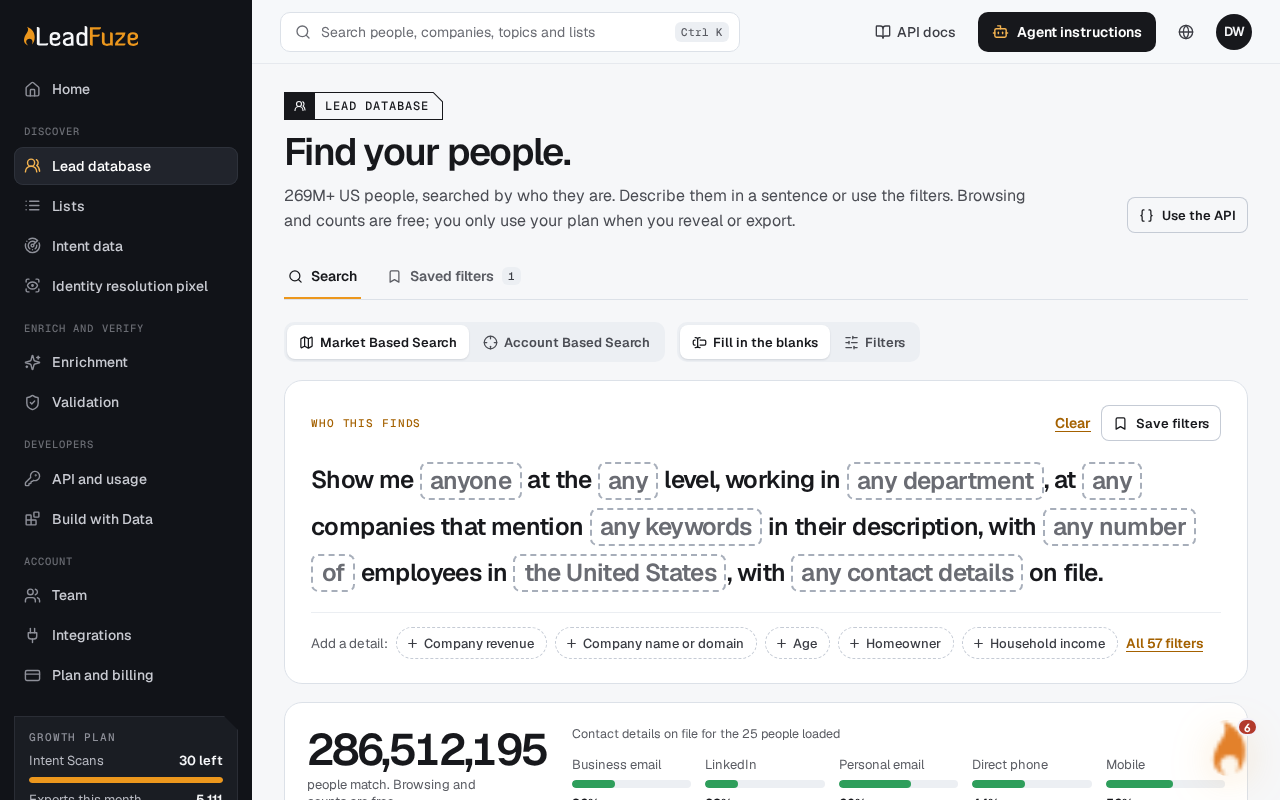
Search results in the Leads database are masked previews. You see full contact details only after you reveal a contact, and each new reveal uses one enrichment credit.
#What is free
These actions use no enrichment credits:
- Browsing search results
- Counting matches
- Saving search criteria
Preview contacts stay masked until you explicitly reveal them. Full contact values are returned only by a reveal or an export.
#What a reveal costs
- Each new profile uses one enrichment credit. Free credits are used first.
- Before anything is charged, you confirm the reveal. The confirmation shows the contact count, the maximum credit cost and your available credits.
- The source is checked again before the reveal. Profiles that are missing or no longer visible are not charged.
- If you open the same profile again through the Leads database within 30 days, it is free. This applies across searches and export jobs.
After a successful reveal, a contact drawer opens on the right. It groups all available profile fields into role, contact, company, address, household and history sections. Use Previous and Next to move through the contacts you have loaded.
Note
New accounts get 25 free enrichment lookups. Reveals use free credits first.
#If you don't have enough credits
A reveal must cover every available profile you requested. If your credits fall short, the reveal fails with a 402 error and nothing is charged. The whole reveal is rolled back. Through the API, a single reveal request accepts up to 100 distinct profile IDs.
#Contact lists and exports
Building a contact list from a search also uses credits. Contacts newly delivered to a list use enrichment credits. Contacts you revealed in the last 30 days are not charged again. Browsing contacts already delivered to a list uses no additional credits.
Was this article helpful?
Still stuck?