

What is in the LeadFuze lead database
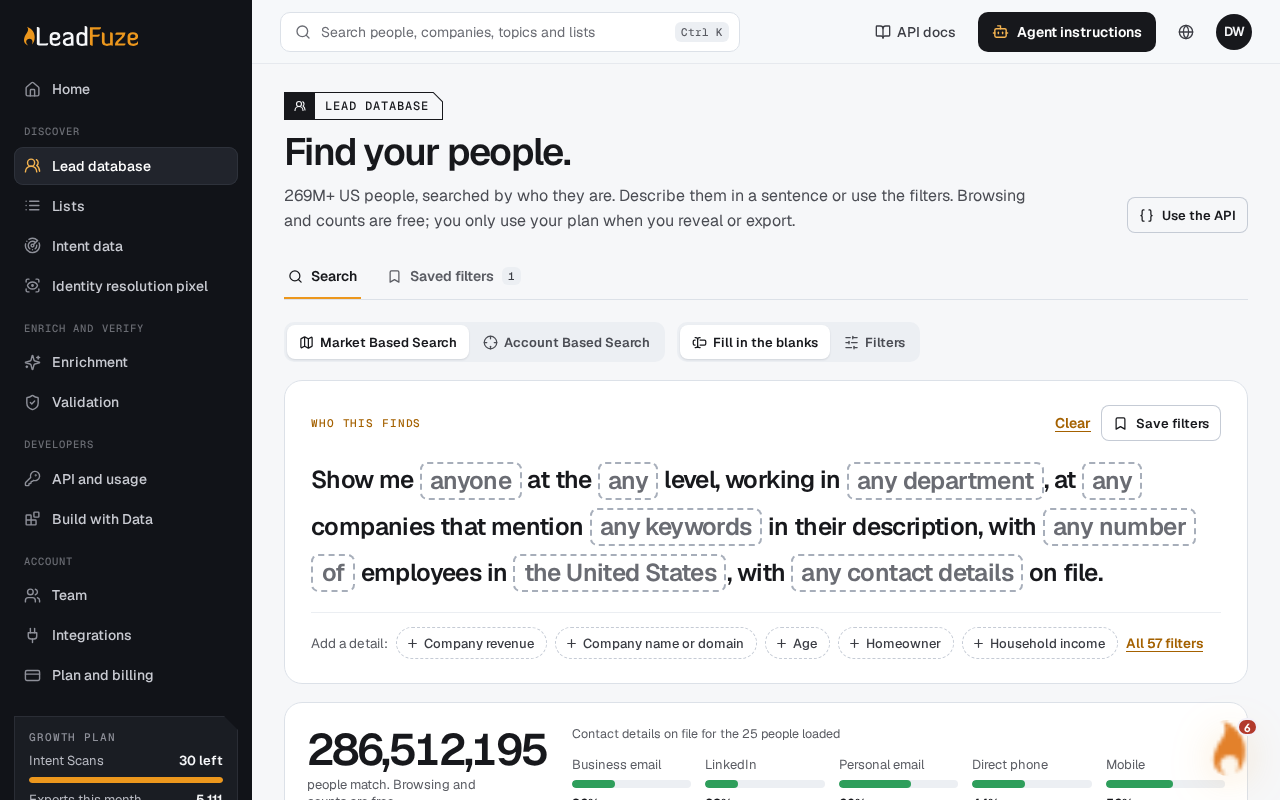
The leads database holds contact (person) and company records. You can search and filter them freely, then reveal full contact details for the people you want.
#What you can see before you reveal
Search results are masked previews. A preview shows:
| Group | Fields |
|---|---|
| Person | First name, last name |
| Role | Job title, seniority level, department |
| Company | Company name, company domain, employee count, revenue, primary industry |
| Location | Professional city and state, company city and state, country |
For contact details, a preview only tells you whether each one is on file. It does not show the value. The checks are business email, personal emails, mobile phone, personal phone, direct number and LinkedIn URL. A preview also shows whether the business email is verified. That means its validation status starts with "valid", such as Valid (Esp), Valid (Catch-All) or Valid (Digital).
#What you can filter on
The filters include:
- Job title
- Company description
- Company name
- Industry, chosen from a preset list
- Location, using US states
- Married, Has children and Home owner, each with Yes/No controls (choosing both or neither means any)
- Contact details: whether a business email, mobile, personal phone, direct dial or LinkedIn URL is on file
- Verified email
Select More filters for additional controls, such as company name.
Other filterable fields include work history, education history, social connections, and personal, professional and company ZIP codes and cities.
#How filters combine
- Different fields combine with AND.
- Several included values in one field combine with OR.
- Any excluded value removes the record.
- You can include or exclude up to 20 values per field, and up to 200 values in total.
#What you get after a reveal
A reveal returns the full contact details available for that person. They appear in a contact drawer, grouped into role, contact, company, address, household and history sections.
- Browsing, counts and saved criteria use no enrichment credits.
- Each newly revealed profile uses one enrichment credit, and free credits are used first.
- Before you reveal, you confirm the contact count, the maximum credit cost and your available credits.
- Opening the same profile again through the leads database within 30 days is free.
- If you don't have enough credits to cover the contacts you asked for, the whole reveal fails with "Insufficient enrichment credits."
Note
Some contacts may not have every field. A profile that the source has hidden is not charged.
Was this article helpful?
Still stuck?