

My payment failed
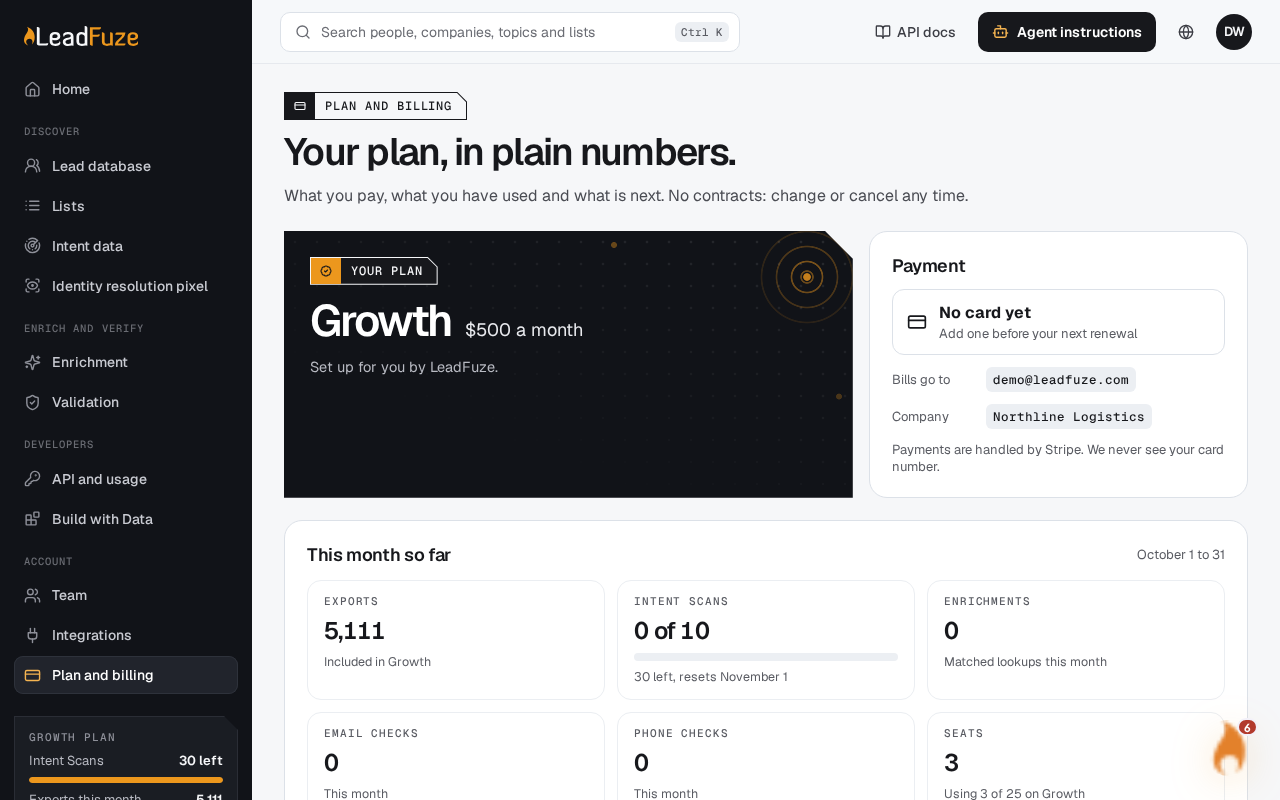
Update your card. A banner on Plan and billing tells you when it is needed: Your last payment did not go through. Select Update the card in that banner to fix it.
Note
Only the account owner sees the Update the card button. If you are not the owner, ask them to fix the card.
#Fix a failed payment
#Open Plan and billing
Go to
/app/billingas the account owner. Look for the banner at the top.#Update the card
Select Update the card. This opens Stripe's page for the card, billing email and tax details.
#Save the new card
Change the card on Stripe's page. Stripe then sends you back to Plan and billing.
#Check the invoice
The Invoices section lists each invoice with a status:
| Status | Meaning |
|---|---|
| Paid | The charge went through. |
| Due | The invoice is open and still to be paid. |
| Not paid | The invoice could not be collected. |
| Void | The invoice was cancelled. |
#If a plan change is declined
When you switch plans and your card is declined, nothing changes. You see this message: Your card was declined, so nothing changed. Update the card and try again. Update the card, then pick the plan again.
Was this article helpful?
Still stuck?