

Include or exclude visitors with rules
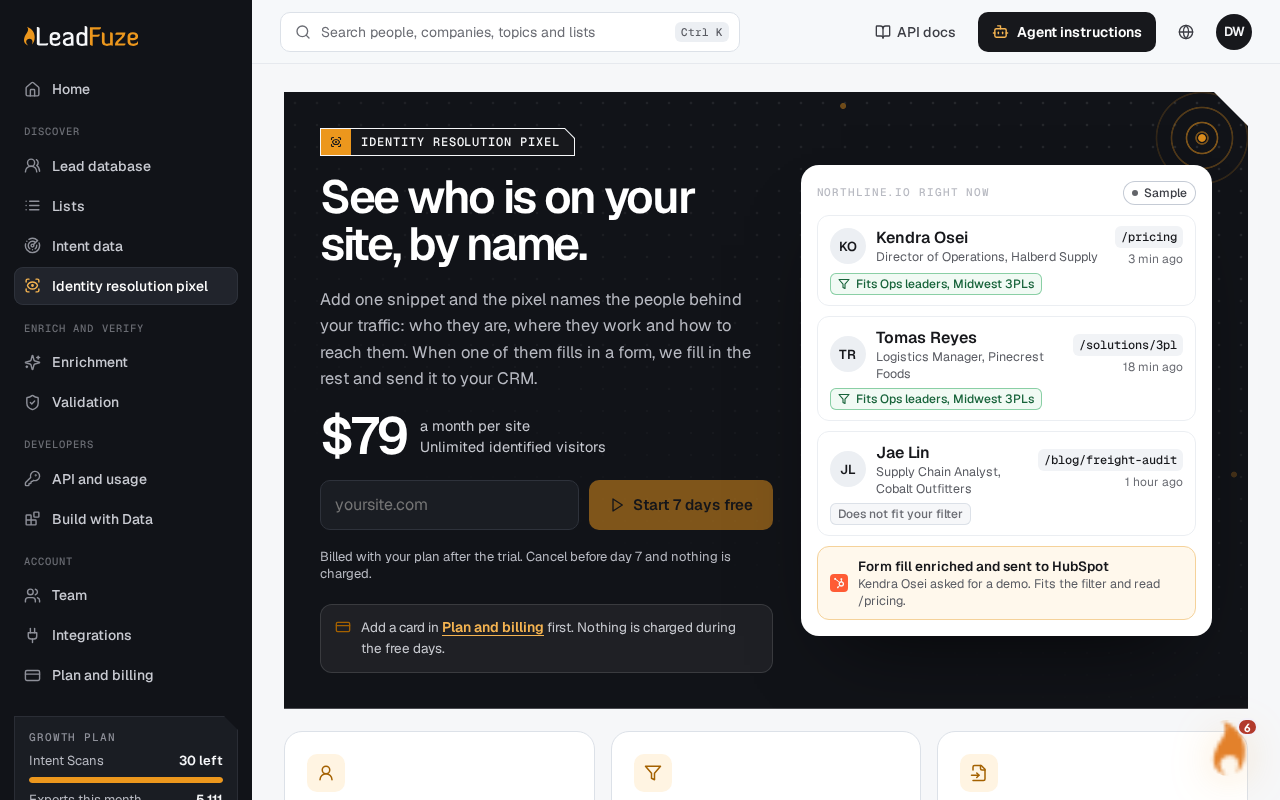
Rules decide which enriched form fills from your identity resolution pixel (IDRP) reach a connected tool. A form fill that no active rule lets through is not sent.
Rules apply to form fills only. Identified visitors never go through rules.
#How rules work
You create rules for each site and for each connected tool. A rule has these parts:
- Name: up to 120 characters.
- Destination: the tool the form fill is sent to.
- Saved filter (optional): a saved filter from the Leads database. The form fill must fit it.
- Match: all conditions, or any condition.
- Conditions: the checks listed below.
- Active: turn a rule on or off.
LeadFuze checks the active rules for that site and tool in the order you created them. The first rule the form fill passes decides it, and the form fill is sent. LeadFuze counts each send on the rule and records when it last sent.
Important
If a site has no rules for a tool, every form fill is still sent to that tool. Once you add a rule for a tool, only form fills that pass an active rule are sent. If every rule for that tool is switched off, nothing is sent.
#Destinations
You can write rules for these tools:
- HubSpot
- Pipedrive
- Slack
- Mailchimp
- ActiveCampaign
- Klaviyo
- Brevo
- Kit
- Constant Contact
- GetResponse
- beehiiv
Connect the tool first on the Integrations page.
#Conditions
| Condition | The form fill passes when |
|---|---|
| Page | The person viewed a page whose path contains your text. The check ignores upper and lower case. |
| Visits | The person has made at least the number of visits you enter. |
| Time | The person has spent at least the number of minutes you enter on the site. |
| Seniority | The person's seniority is one of the levels you pick: Staff, Manager, Director, VP or C-level. |
| Size | The company's employee count is one of the size ranges you pick. |
| The form fill includes a business email. | |
| Source | One of the person's page visits has a utm_source equal to your value. The check ignores upper and lower case. |
Page, Visits, Time and Source depend on what the person did on your site. LeadFuze finds that activity by matching the email on the form fill to a visitor on the site.
Note
If LeadFuze cannot find the person's activity, it treats the activity as empty. Page, Time and Source then fail, and so does Visits unless you require 0 visits.
#Match all or any
- All: the form fill must pass every condition.
- Any: passing one condition is enough.
A rule with no conditions lets every form fill through, as long as it also fits the saved filter, if you chose one.
#Use a saved filter
Pick a saved filter to limit a rule to people who fit your Leads database criteria. LeadFuze checks the filter first, then the conditions. If the saved filter has been deleted, the rule lets nothing through.
Was this article helpful?
Still stuck?