

Upgrade or downgrade your plan
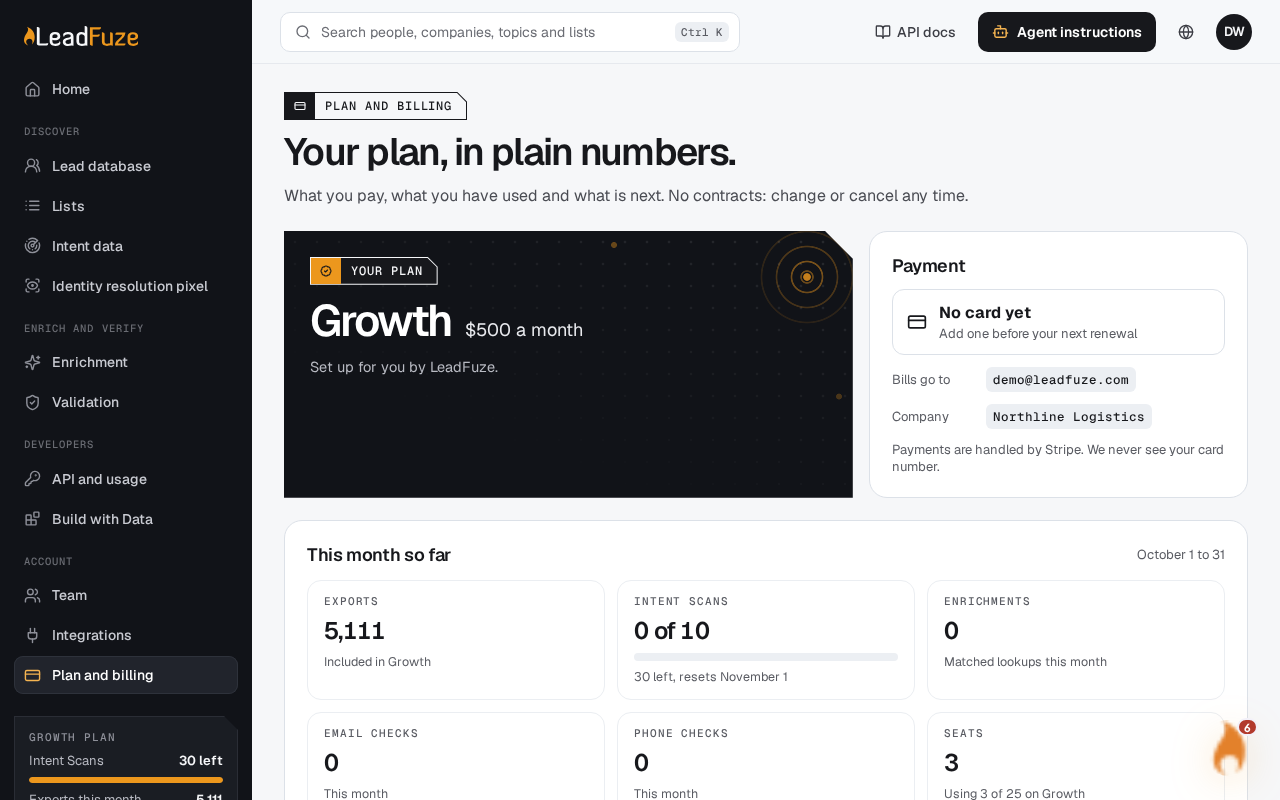
You can switch plans on the Plan and billing page. Upgrades start now with a prorated charge. Anything smaller waits until your renewal date. Only the account owner can change the plan. There are no contracts, so you can change or cancel any time.
#When a change takes effect
| Change | When it starts |
|---|---|
| Starter to Growth or Scale, or Growth to Scale | Now, with a prorated charge |
| Monthly to yearly on the same plan | Now, with a prorated charge |
| Scale to Growth or Starter, or Growth to Starter | At your renewal date |
| Yearly to monthly on the same plan | At your renewal date |
#Change your plan
- Open Plan and billing.
- Use the toggle to choose Monthly or Yearly, 2 months free.
- Select the button on the plan you want.
- Confirm if LeadFuze asks you to.
To move to yearly on your current plan, you can also use the Switch to yearly button under "Pay yearly and get 2 months free."
#What you see afterwards
- Starts now: "You are on Growth now." For yearly, the message reads "You are on Growth yearly now."
- Starts at renewal: "You move to Starter on (date). Nothing changes until then." Your current plan stays in place until that date.
- Same plan: "You are staying on Growth." This also clears a scheduled change or a pending cancellation. Your plan keeps renewing.
If you schedule a different change later, it replaces the earlier scheduled change.
#Seat limits can block a change
The plan you move to must have enough seats for your team: Starter 5, Growth 25 and Scale 100. If your team is too big, LeadFuze tells you how many people to remove, for example "Remove 2 on the Team page first." Select Open Team, remove people, then come back and switch.
#If your card is declined
For an upgrade that starts now, your card is charged straight away. If it is declined, nothing changes. You see "Your card was declined, so nothing changed. Update the card and try again." Update the card from the Payment section, then try again.
Note
The plan comparison lists each plan's monthly allowances for exports and Intent Scans. This material does not say how leftover allowances or one-time export credits are treated when you switch, so check your usage under This month so far after a change.
Was this article helpful?
Still stuck?